A Chrome extension that ranks LinkedIn jobs for you.
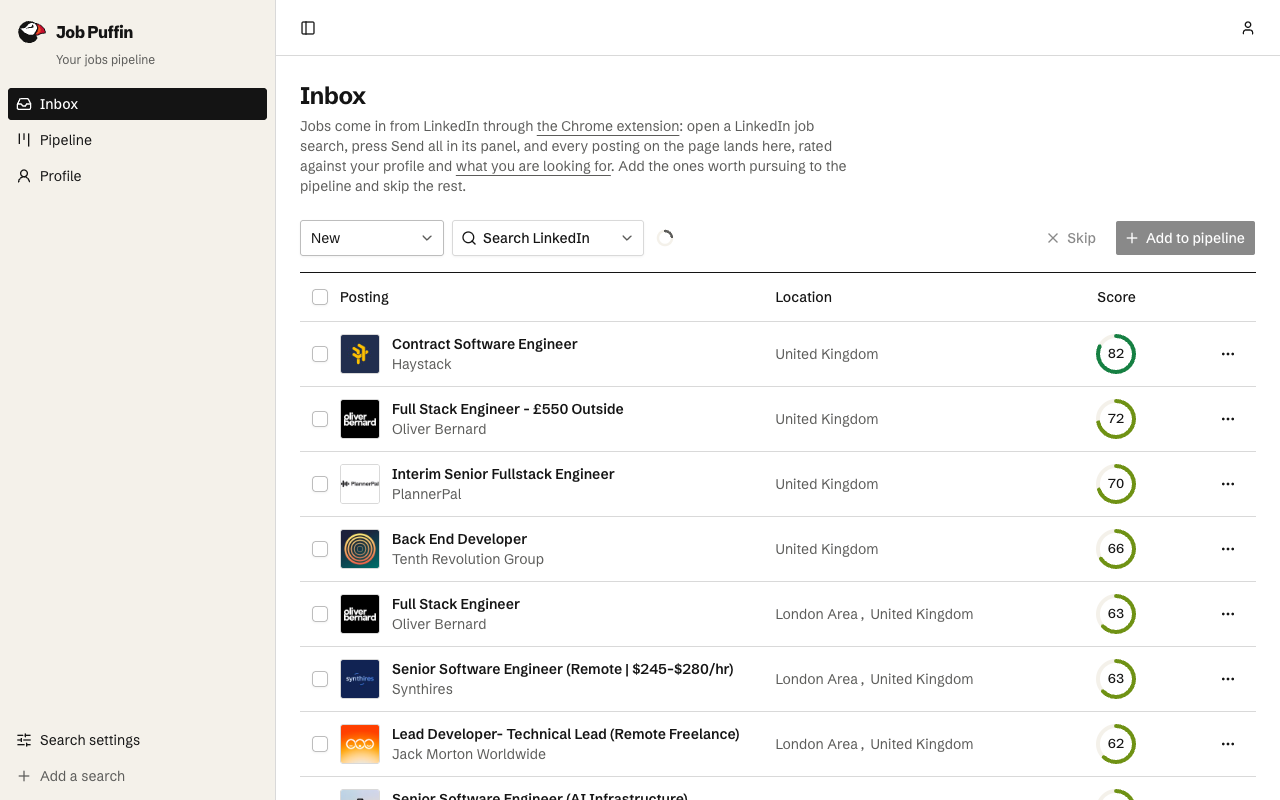
Send a whole LinkedIn job search to Job Puffin in one click. Every posting is scored against your CV and what you're after, and your inbox lists them best first.
Free to install. Fifty assessments on the free plan, no card.
What it does on LinkedIn
Send all
On a LinkedIn jobs search, one press goes through every posting in the list, opening each so its full description and hiring team load, and sends the lot to your inbox.
Send this job
Sends the one posting you have open, from a search or from the job's own page.
Pick the search
With more than one search on the go, choose which one the postings are rated against. The panel remembers it.
Nothing else
It reads a posting only when you press send. It never applies, connects or messages anyone, and does nothing outside LinkedIn's jobs pages.
How to install it
A minute's work, and the account is the only thing to set up.
Create your free account
Sign up on Job Puffin, upload your CV and say what you're after. The extension sends postings to this account, so it comes first.
Add it to Chrome
Install Job Puffin from the Chrome Web Store. It signs in with the account you are signed in to on this site, in the same browser; there is nothing to set up.
Run a LinkedIn jobs search
The panel appears at the bottom right of the results. Press Send all, then open your inbox to read the best fits first.
Questions
- Is the Job Puffin extension free?
- Yes. Installing it is free, and so is the account it sends to: the free plan rates 50 jobs, with no card. The paid plans rate more each month; the pricing page has the details.
- Which browsers does it work in?
- Chrome, from the Chrome Web Store. Brave, Edge and other Chromium browsers can install the same listing. Firefox and Safari are not supported, and nor are phones and tablets, where browsers do not run extensions.
- What does it read on LinkedIn?
- Only job postings, and only when you press send: each one's title, company, location, description and logo, with the people LinkedIn shows on it (their name, profile link and headline). Nothing from your feed, messages or profile, and nothing on any other site.
- Does it need LinkedIn Premium?
- No. It works on LinkedIn's ordinary job search, with any account that can see job postings.
- What permissions does it ask for?
- It runs on linkedin.com and talks to Job Puffin's own site and nothing else. The one other permission is storage, to remember which search you send postings to.